Screen vs. Tmux Cheat Sheet
Screen or Tmux are tools that can significantly improve your DevOps experience as a Django developer.
Using one of those tools, you can have a single SSH connection to a remote server and open multiple shell windows or split panes.
The best thing about Screen and Tmux is that if your internet connection drops, you can later SSH to the server again and connect to the same session with all your windows running.
When running Django management commands that take a long time, you can disconnect from existing sessions at any time, close the Terminal, have a cup of coffee or go for a walk, and then get back later to see the results.
With multiple panes, you can edit a file in one pane, browse files in another, and connect to the Django or database shell in yet another.
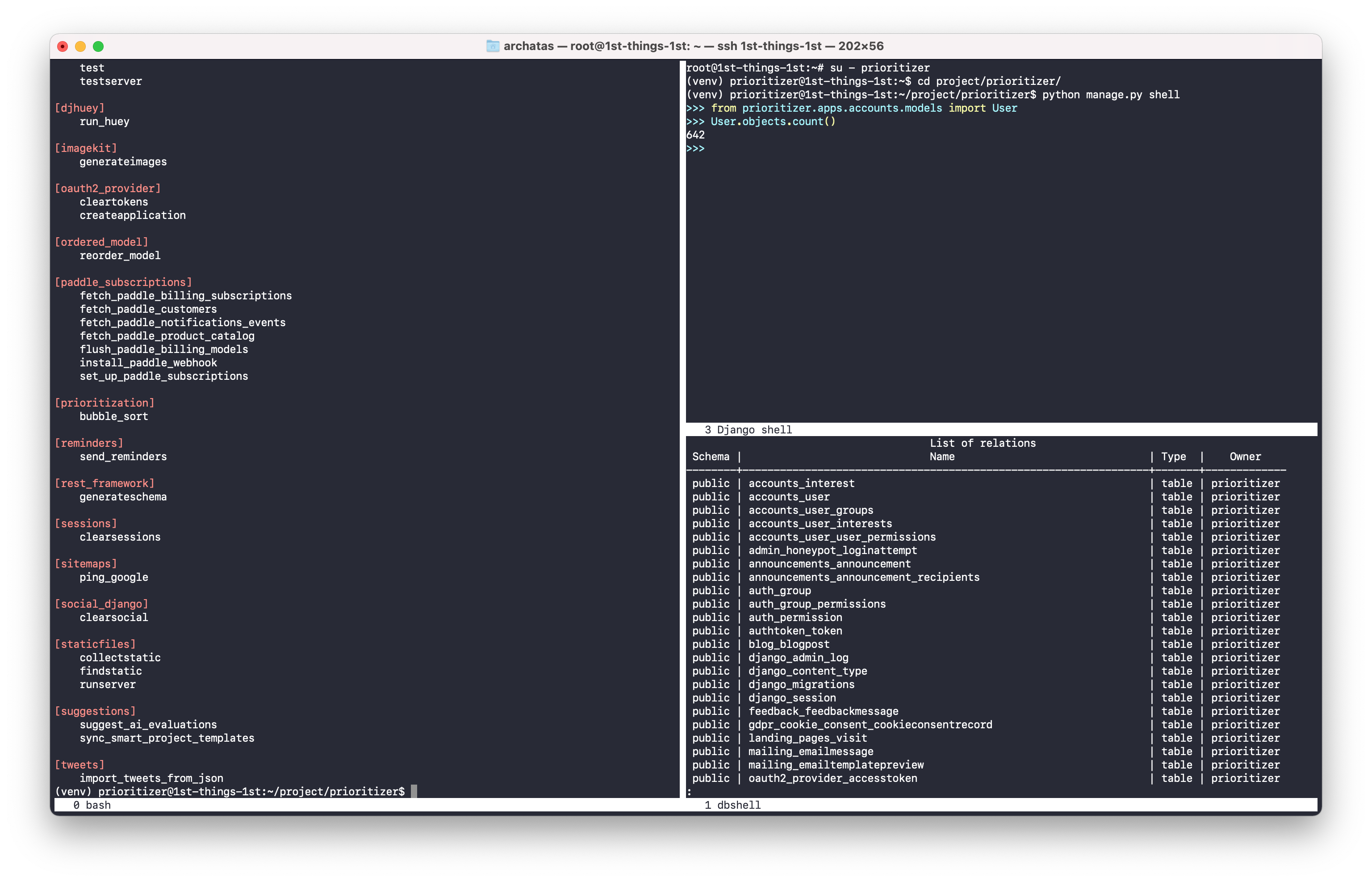
Screen in action:
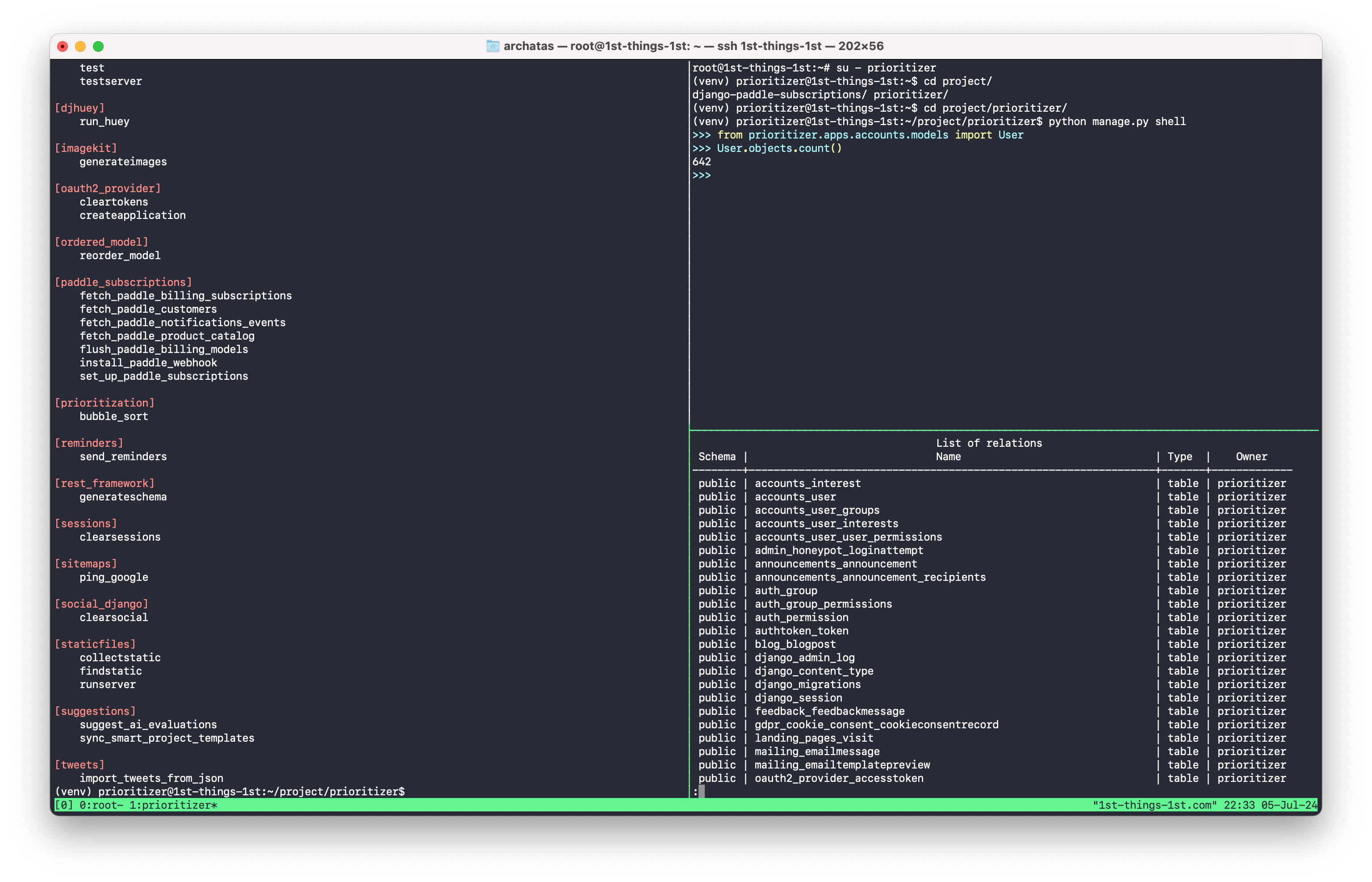
Tmux in action:
To get started, check this cheatsheet, which compares the commands of both tools side-by-side:
Tips and Tricks Dev Ops Cheat Sheet Developer Experience Screen Tmux
If you find this goodie useful and would like to support me with coffee, meal, audiobook, or an online course, you can donate to me at paypal.me/aidasbendoraitis.
Django/Python Consulting
If you have a specific Django challenge or integration you'd like to solve, I'd be happy to help. Book a free 30-minute call to discuss your project, see if we're a good fit, and explore the best approach for your needs. After the call, you'll receive a tailored cost estimate based on what we discuss.
Also by me
Django Messaging
For Django-based social platforms.
Django Paddle Subscriptions
For Django-based SaaS projects.
Django GDPR Cookie Consent
For Django websites that use cookies.